Are your PC games crashing after the latest Windows 11 update? Microsoft is investigating whether a nasty new bug is the cause — but there are workarounds
- Windows 11's August update has broken some PC games
- Microsoft is investigating reports of crashes, but right now it's unclear what the root cause is
- Theories point to security measures in the update potentially causing issues with certain drivers and conflicts with anti-cheat tools
Windows 11 has run into trouble with gamers (again) after the latest monthly update for the OS, and Microsoft is investigating what's gone wrong.
The Register noticed that Microsoft has posted on the Windows release health dashboard about "reports of certain games becoming unresponsive" following its latest patch.
In some cases, games are either freezing and becoming unresponsive, as mentioned, or simply closing (crashing to the desktop), with an error ('Exception Access Violation') being displayed in some cases. There are also some reports of spontaneous reboots occurring after a game crashes.
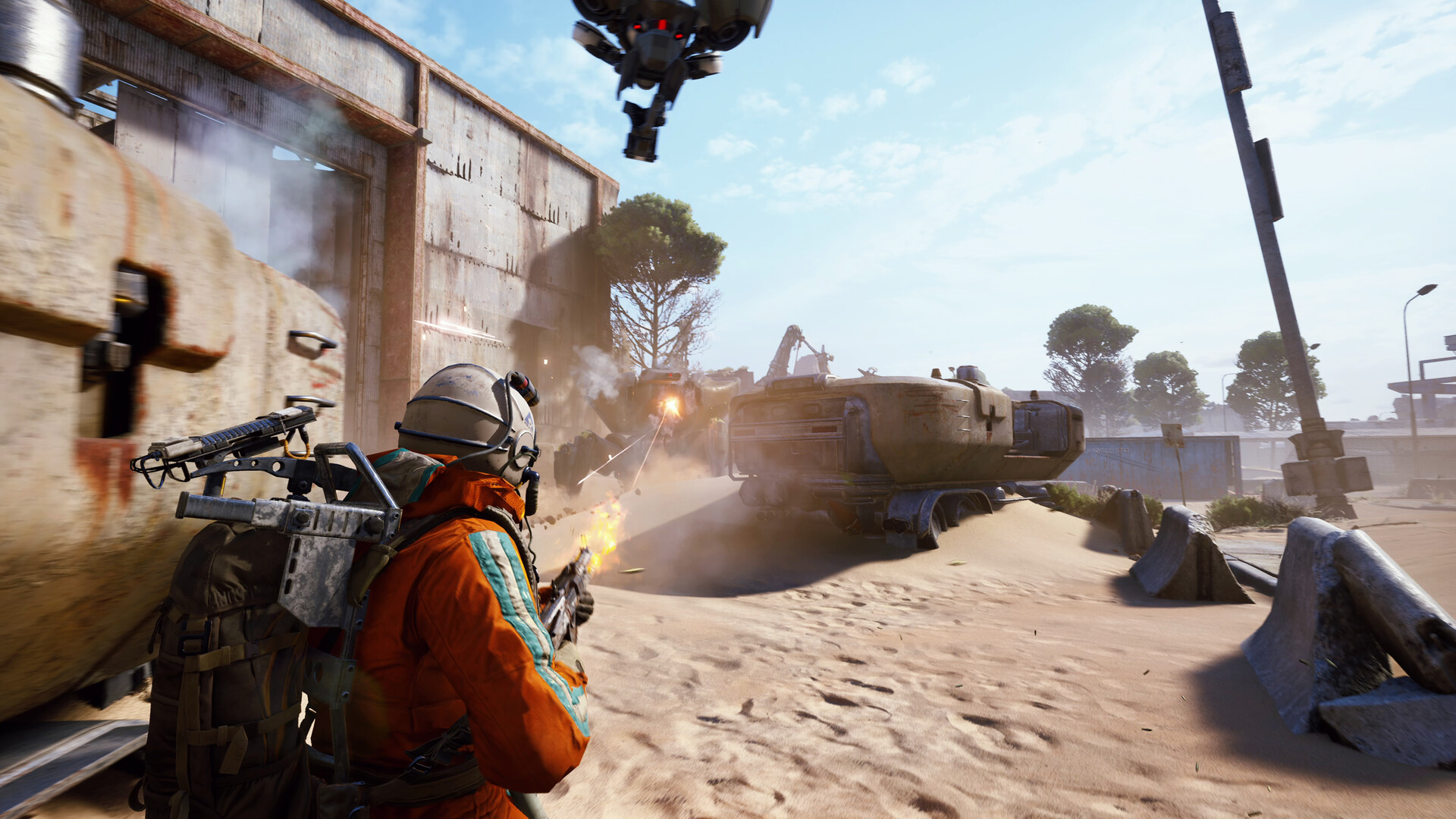
Not all PC games are affected by any means, with Microsoft noting that reports are coming in from players of Arc Raiders, Marvel Tokon: Fighting Souls, and The Finals.
Microsoft is currently trying to work out what's going on, saying: "Ongoing investigation indicates that this issue is related to peripherals or internal device components which have RGB lighting features. Such devices may install drivers or code components with file names similar to inpoutx64. In systems where these drivers are found, the issue is then triggered by launching certain games."
Microsoft adds that it's currently trying to "understand the relationship between these RGB components and the games which trigger this issue", and says it will update gamers when more information becomes available.
Analysis: theories and workarounds
Microsoft is suggesting that this may be a driver-related issue of some kind, rather than a problem with Windows 11 itself. Of course, changes to Windows 11 could be the root cause, and the company admits that, and says it's still trying to "determine if this is an issue caused by Microsoft" on the release health dashboard.
As The Register points out, some on Reddit are theorizing that this bug is to do with "tightened kernel handle validation" which was introduced with the latest patch for Windows 11. Essentially meaning that Microsoft has tightened aspects of security with the August update, and that this is causing driver glitches, ones that were previously ignored, to be picked up (and subsequently crashing games).
The mentioned driver (inpoutx64) isn't just used in software controlling RGB lighting, but also in some system utilities needing low-level system access (for hardware monitoring, for example, and one such tool is mentioned in the above Reddit post: ZenTimings). It seems that if this driver is present on the host PC, the game's anti-cheat probing it now throws up a problem (post-patch), and that leads to the crash.
If this bug is causing you grief — and there are a lot of Arc Raiders players out there in that particular boat — there are workarounds that can make the game playable again.
The first is the most obvious and easiest fix: remove the August update for Windows 11 (or roll back the OS to before it was installed). You can remove an update in Windows Update, in the Update History panel — just find the patch (KB5121003 in this case) and uninstall it. However, bear in mind that you will be without a bunch of security fixes (and other features, including faster app launching) if you don't have this update on your PC.
The other alternative is to remove the problematic driver file, which seemingly won't harm your system (that said, if you do so, it's at your own risk — I haven't tested this). Going by the advice in the above Reddit thread — and also from the developer of Arc Raiders (Embark) — what you need to do is open the Command Prompt in Windows 11 by typing cmd in the search box, then right-click on Command Prompt and select 'Run as administrator'.
Once the prompt appears, type the following and press enter:
sc stop inpoutx64
Then type this second line and press enter:
sc delete inpoutx64
Now close the Command Prompt, open File Explorer, and find the following folder: C:\Windows\System32\drivers.
In that folder you should see the inpoutx64 file, it may be a SYS or DLL file (or both). Delete any of those files which are present.
That's the driver removed, and you should now be good to go, and you can still have the August update installed. But as I already noted, proceed at your own risk if you take this route.
The best bet for now may be to sit tight and wait for the results of Microsoft's investigation, and hopefully we'll hear something soon. However, this could be a somewhat thorny problem to untangle, and it rather sounds like a case of Microsoft dealing with a security issue — one which should be fixed — and that cure causing collateral damage due to driver wonkiness.
Whatever the case, on social media, a good many PC gamers are blaming Microsoft for this latest gaming-related issue in Windows 11.
One Redditor delivers the following barb: "They can't even keep the one thing they had over Linux. If you have to worry about whether or not your games work anyway, why still use Windows?"
Another observes: "Since 2025 December update till today — EVERY single month the update breaks something! There was no single month without issues."
There's no shortage of shots fired at Microsoft for monthly update woes, accusations of this being the fault of vibe coding (AI), and threats to leave for greener Linux desktop pastures. Business as usual, then.

Post a Comment for " Are your PC games crashing after the latest Windows 11 update? Microsoft is investigating whether a nasty new bug is the cause — but there are workarounds "